



Authorize critical changes
Control access to sensitive pump settings with role permissions and one-time authorization codes. Review the recorded changes when questions arise.
Authorize settings changes, monitor calibration activity, identify attendants, and keep transaction records—with Glowtec control technology built into your dispenser.
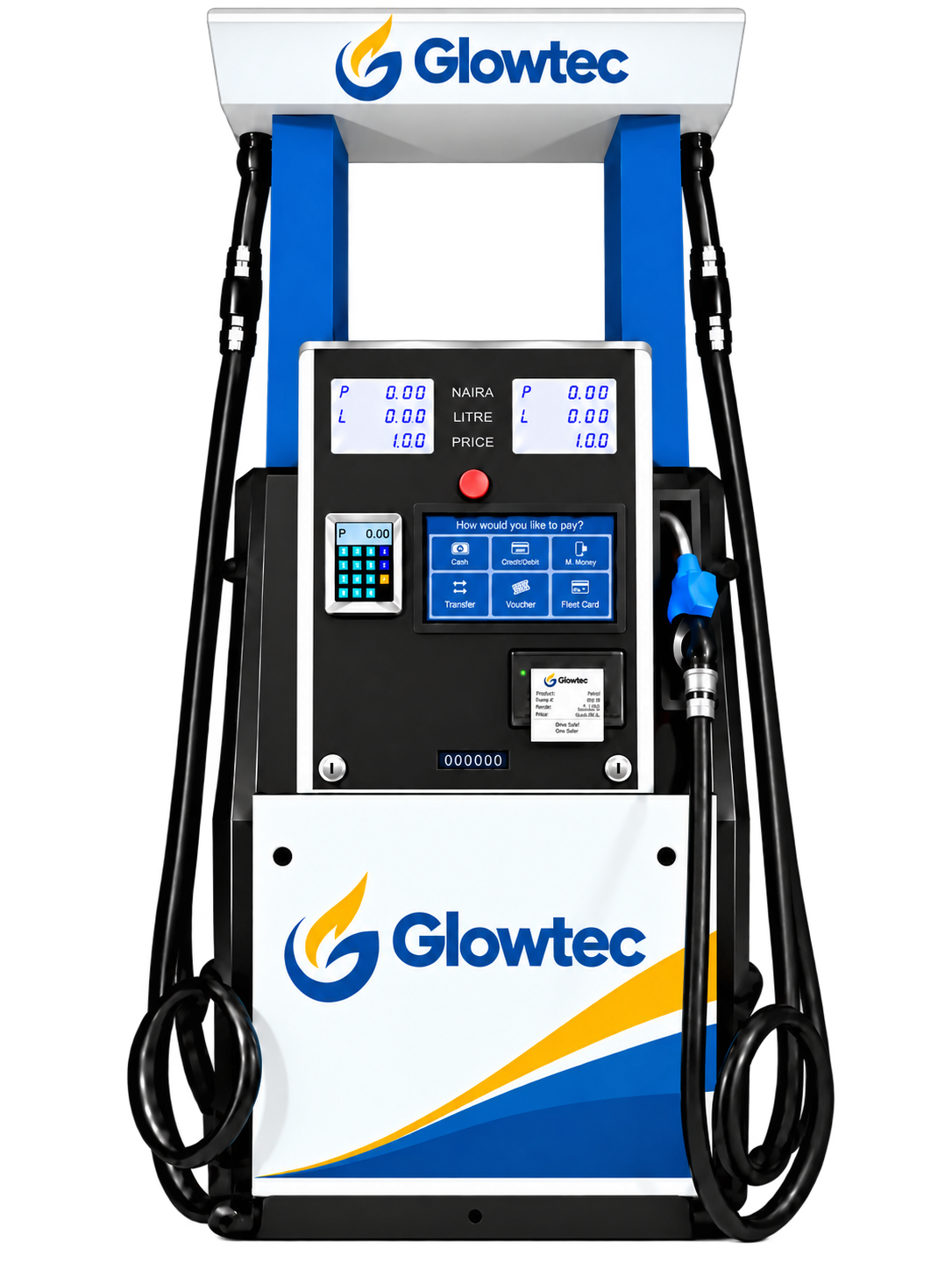
A complete fuel dispenser with controlled settings access, attendant identification, and transaction recording built in.
An interactive touchscreen brings direct customer interaction and self-service capability to the forecourt, backed by Glowtec’s operational controls.
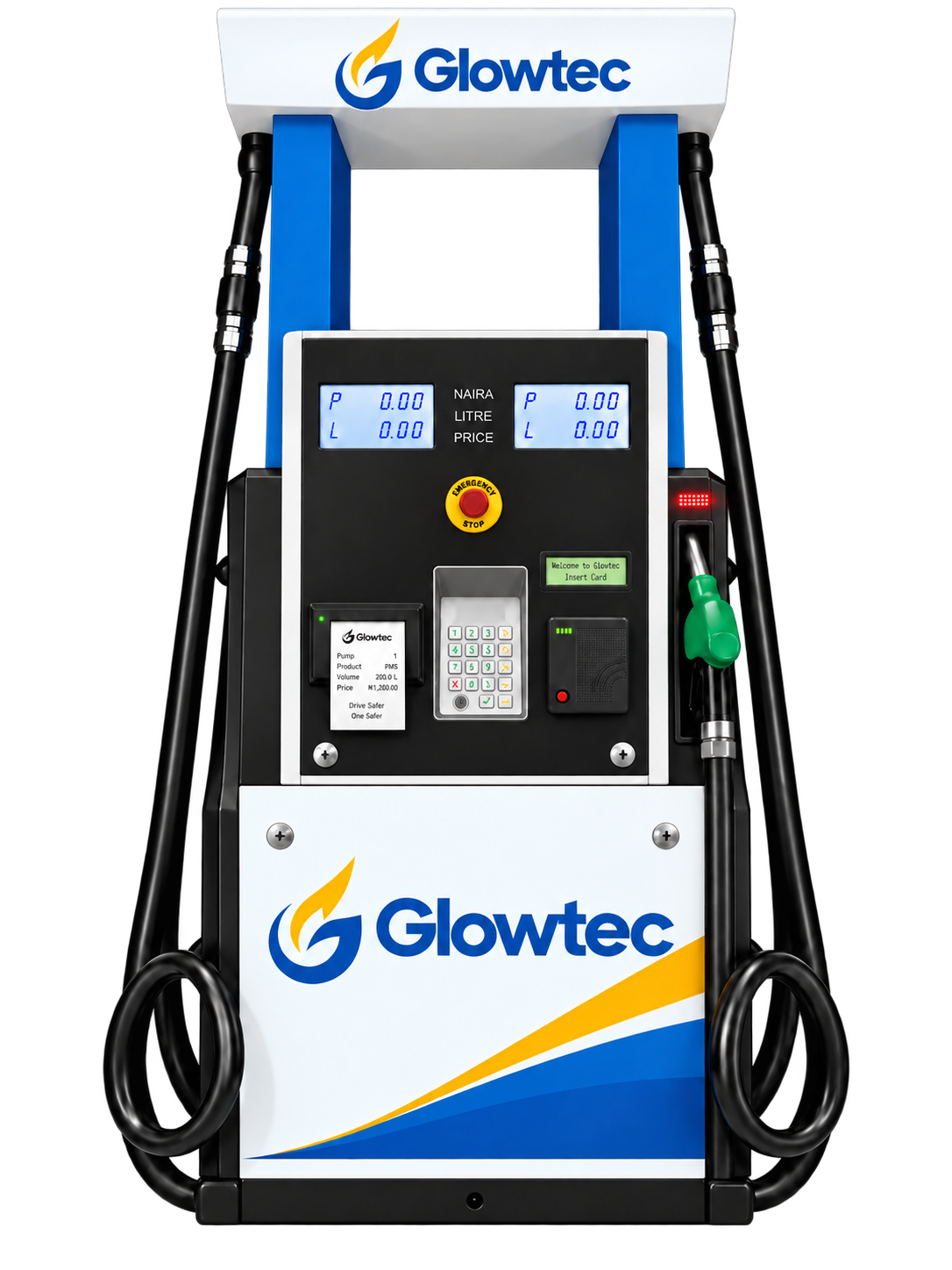
Replace the controller in a compatible dispenser to add authorized settings changes, attendant tracking, and transaction records.
Control access to sensitive pump settings with role permissions and one-time authorization codes. Review the recorded changes when questions arise.
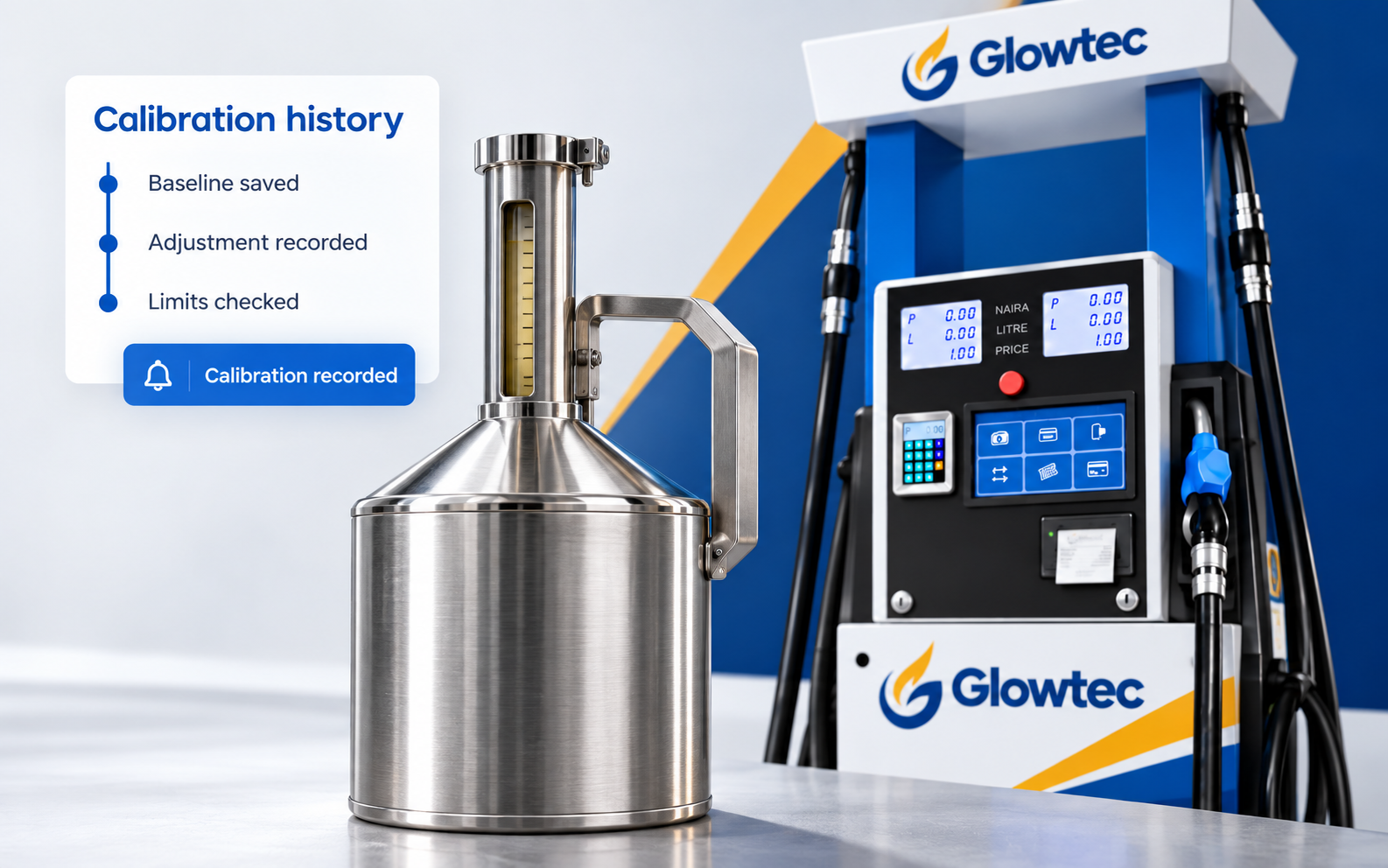
Monitor calibration adjustments against the configured baseline, apply adjustment limits, and receive notifications when calibration is performed.
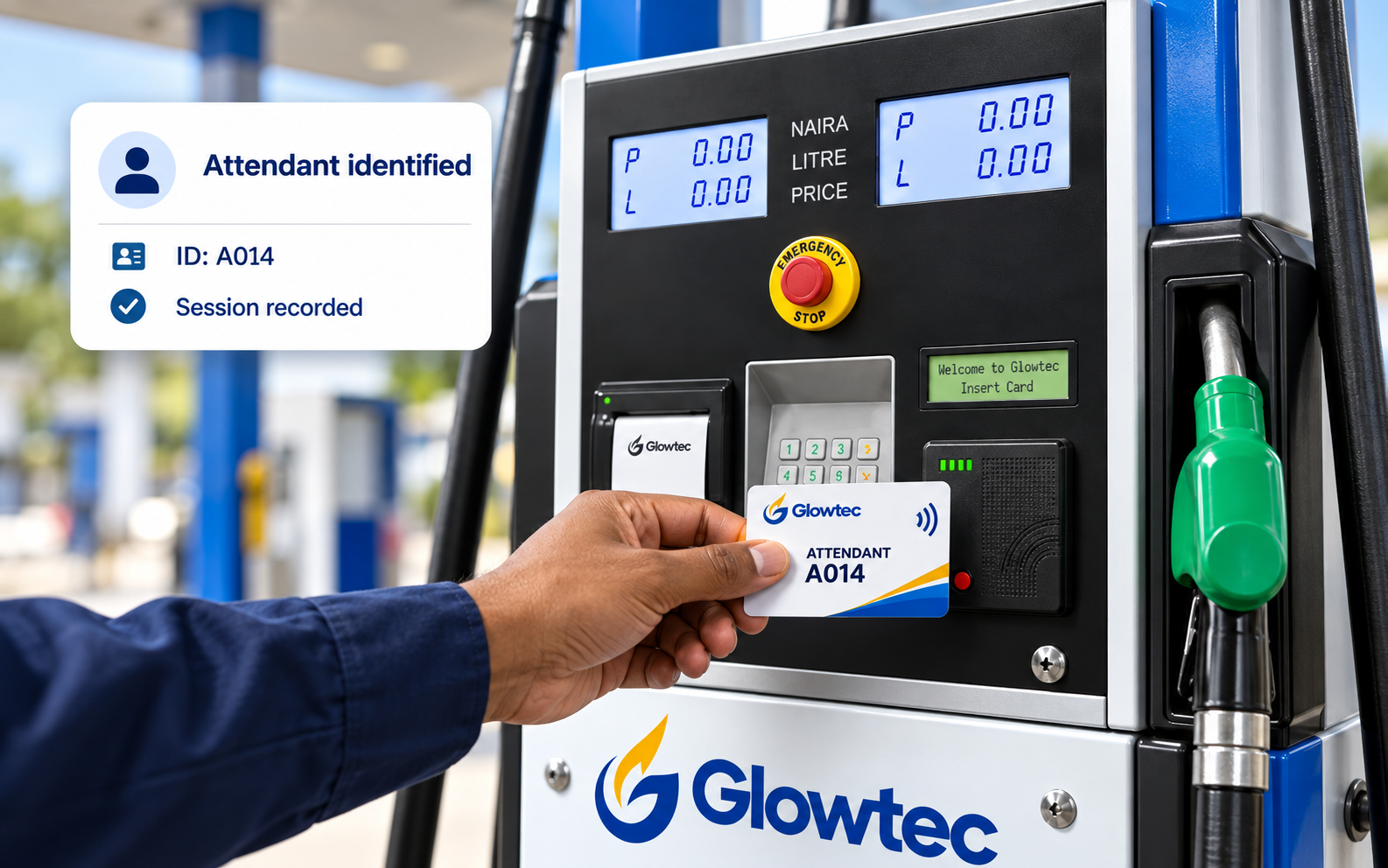
Use NFC attendant login and session records to establish who operated the dispenser and review their dispensing activity.
Glowtec X1 combines fuel dispensing hardware with our own controller and firmware. The controller reads meter pulses, operates dispensing valves, and manages access, attendant sessions, and transaction records.
Calibration management
Manage access, set adjustment limits, and keep a record of calibration changes.
Calibration settings determine how meter pulses translate into reported volume.
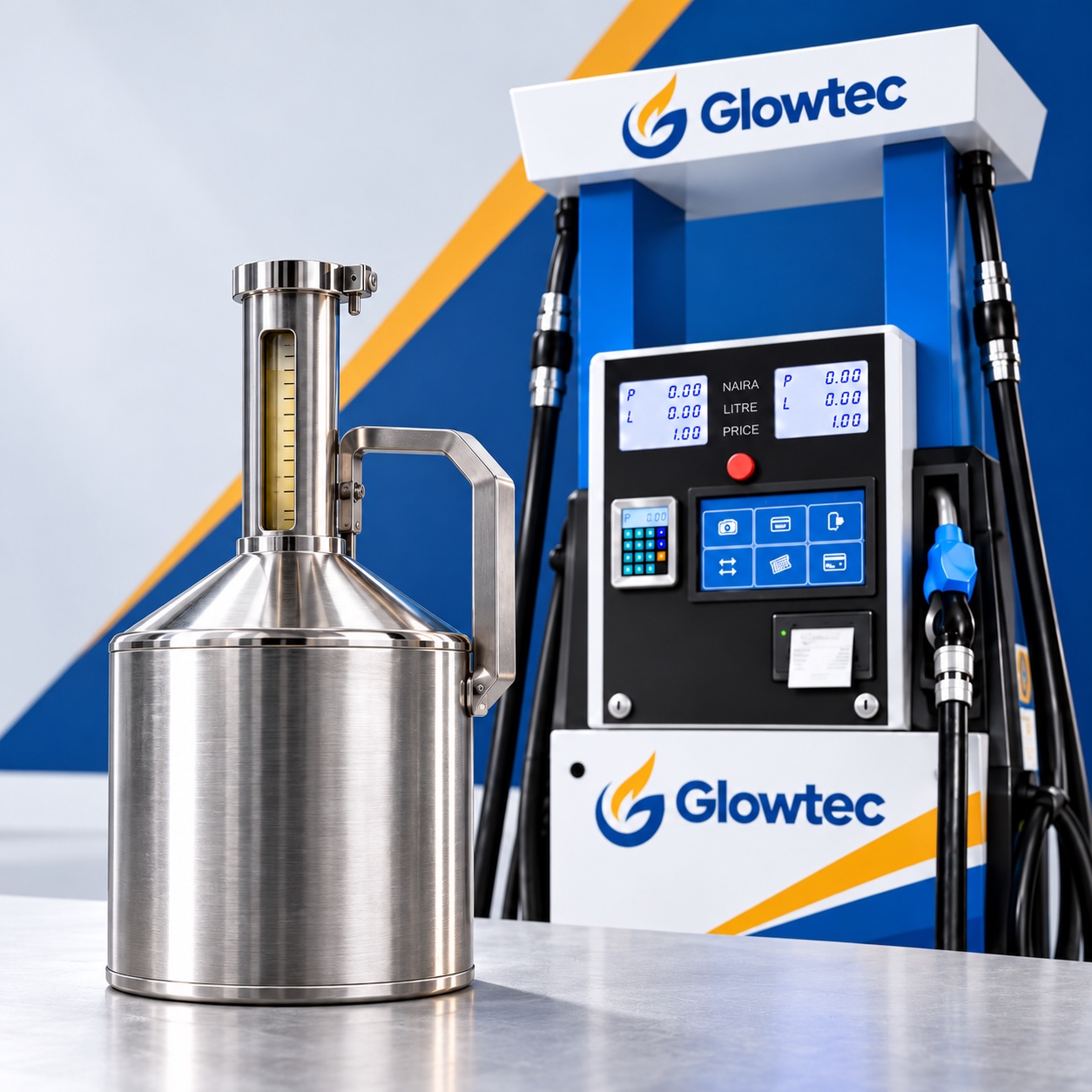
Look beyond the dispenser housing. Check how your pump handles access, calibration, transaction records, and daily operations.
Authorize settings changes
Role permissions and one-time codes.
Keep a traceable history
Baseline settings, adjustment limits, and notifications.
Store locally. Sync online.
Transaction storage with online synchronization.
Identify the attendant
NFC login linked to dispensing session records.
Configure pumps online
Manage settings across connected dispensers.
Examples illustrate operations without the listed controls. Feature availability depends on the dispenser configuration.
GLOWTEC CORE · CONTROLLER UPGRADE
Replace the controller in a supported dispenser with Glowtec Core. Add controlled settings access, attendant identification, and transaction records to your existing pump.
The hardware behind the control
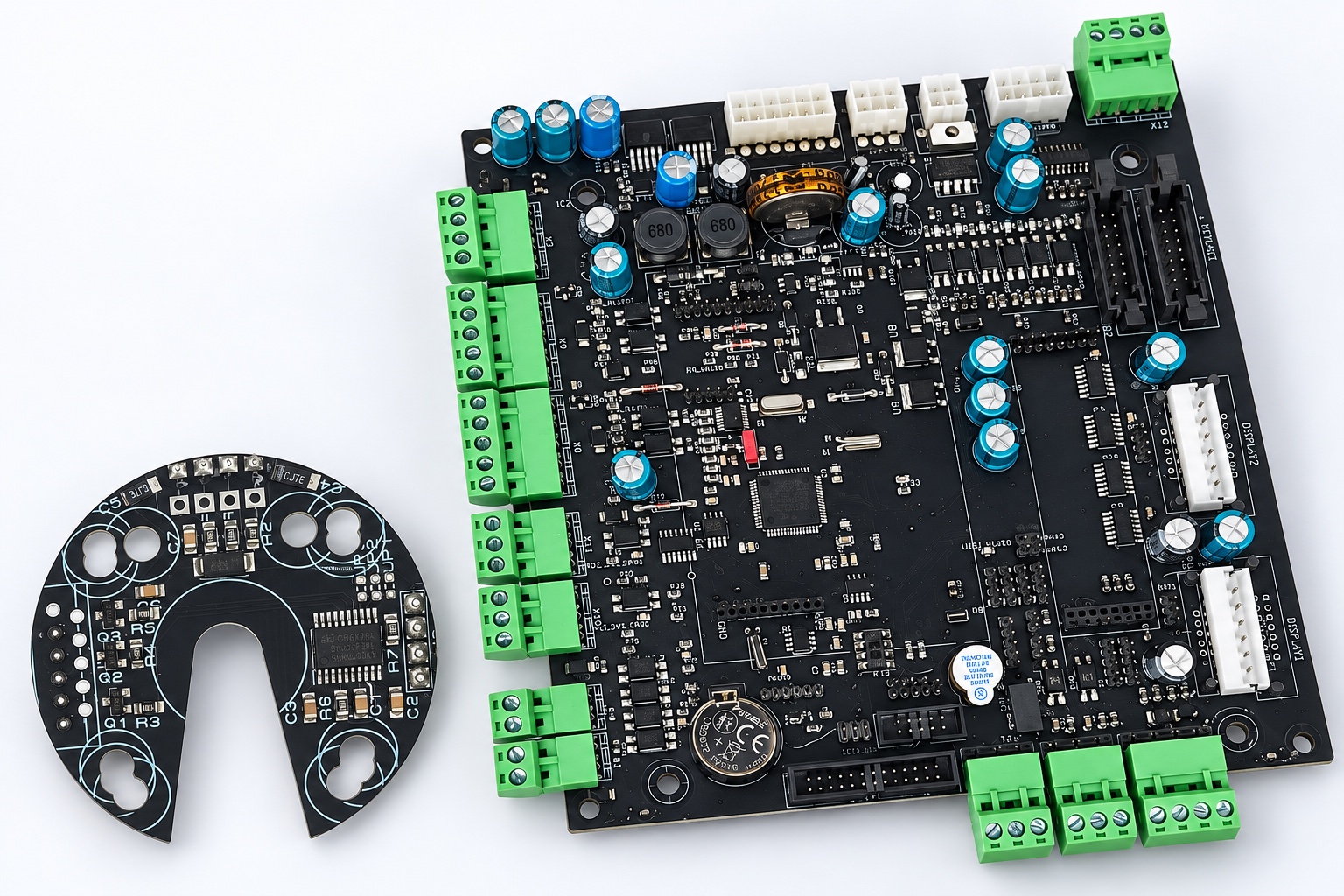
Authorize changes with role permissions and one-time codes.
Link dispensing sessions to NFC attendant logins.
Store records locally and sync when connected.
Share your pump’s make, model, and configuration so we can assess the upgrade.
Compatibility and available functions depend on the installed dispenser hardware and configuration.
Daily operations
Keep track of transactions, attendants, and calibration activity—from one forecourt to multiple connected stations.
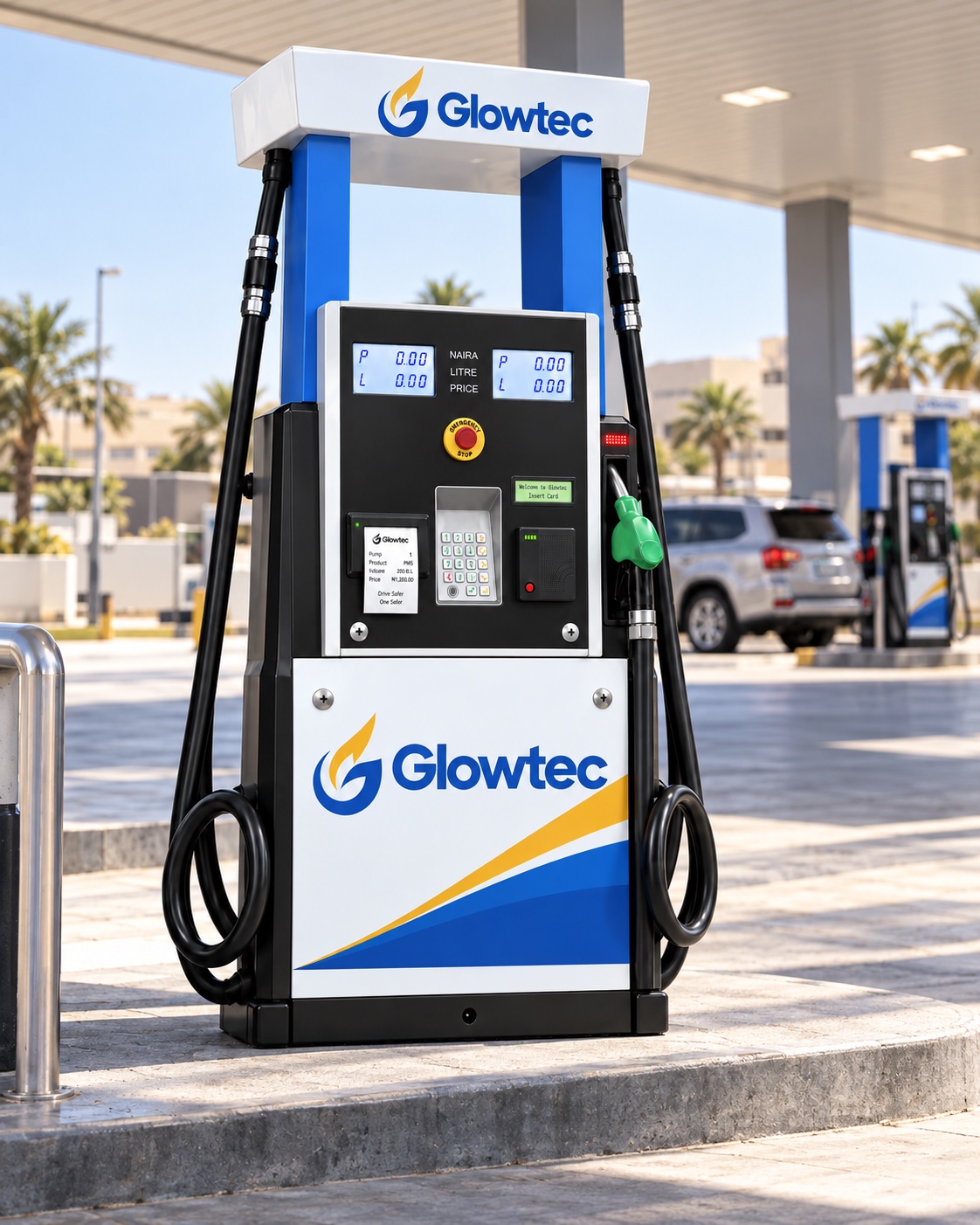
Store up to 1,000 transactions locally and sync when connectivity returns.
Identify attendants through NFC login and review their dispensing sessions.
Choose a supported fuel-product and nozzle configuration for your forecourt.
See recorded calibration activity, adjustment history, and notifications.
Manage settings and review records across connected dispensers from a central interface.
Available features and configurations depend on the dispenser model and installed hardware.
Tell us your location, fuel products, and required number of nozzles. For an upgrade, include your existing pump make and model. We’ll discuss configuration, compatibility, and supply options.